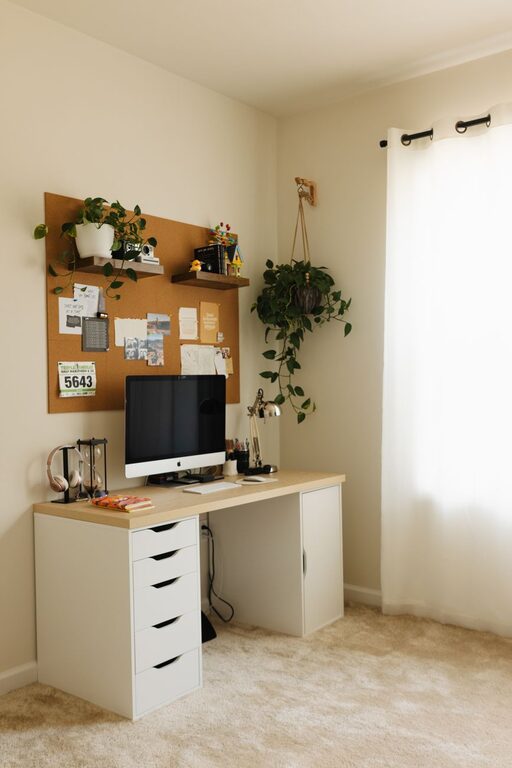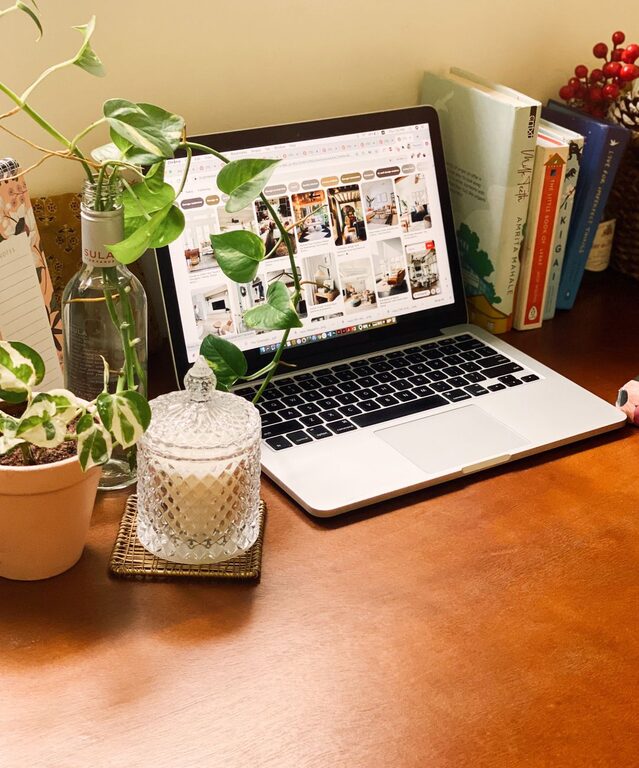
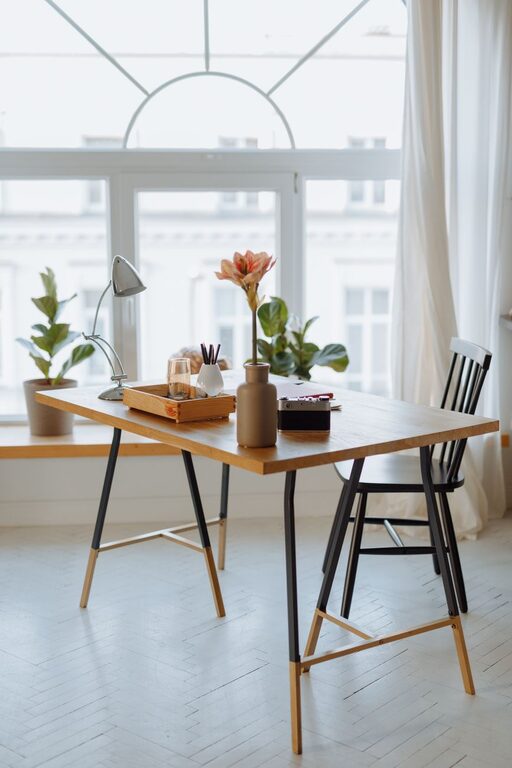
Creating a home workspace that balances comfort and functionality can greatly enhance your productivity and overall well-being. Whether you’re working remotely full-time, freelancing, or simply managing household tasks, having a dedicated, inviting space makes a big difference. Here are some practical tips to help you design a cozy and efficient workspace that fits your needs.
Choose the Right Location
Selecting the right spot for your workspace is the first and most important step. Ideally, find a quiet area with minimal distractions and enough space to accommodate your work essentials.
Consider Natural Light
A well-lit room with plenty of natural light can boost mood and reduce eye strain. Position your desk near a window if possible, but avoid direct glare on your computer screen.
Separate Work From Relaxation
If space allows, create a clear boundary between your work area and your relaxation zones. This separation helps keep your mind focused during work hours and improves your ability to unplug afterward.
Invest in Ergonomic Furniture
Comfort is key for sustaining long hours of work without discomfort or injury.
Ergonomic Chair
Choose a chair that supports your lower back and encourages good posture. Adjustable features like seat height, armrests, and lumbar support make a big difference.
Suitable Desk
Pick a desk with enough surface area for your computer, notebooks, and any other tools you regularly use. Consider height-adjustable desks that allow you to alternate between sitting and standing.
Organize Your Workspace Efficiently
An organized space reduces stress and saves time.
Declutter Regularly
Keep only essential items on your desk to maintain a clean and neat environment. Use storage boxes or drawers for papers and supplies to keep the surface clear.
Use Organizers
Desk organizers, file holders, and cable management tools help reduce clutter and keep everything within easy reach.
Add Personal and Comfort Touches
A workspace that feels inviting encourages you to spend time there more comfortably.
Use Soothing Colors
Choose paint or decor in calming colors like soft blues, greens, or neutrals to create a relaxed atmosphere.
Incorporate Plants
Indoor plants not only add a touch of nature but also improve air quality and increase productivity.
Comfortable Lighting
In addition to natural light, use adjustable desk lamps or warm ambient lighting to ensure your workspace is well-lit at all times without causing glare.
Enhance Productivity With Technology
Equip your workspace with technology that meets your needs but avoid unnecessary gadgets that may cause distraction.
Reliable Internet Connection
Ensure your internet is fast and reliable to avoid interruptions during video calls or uploads.
Quality Accessories
A good keyboard, mouse, and headset improve your comfort and efficiency, especially during long work sessions.
Maintain a Routine
Making your workspace part of your daily routine reinforces work habits and productivity.
Define Work Hours
Set clear working hours and communicate them to others in your home to minimize interruptions.
Take Breaks
Regular breaks help refresh your mind. Use a timer or app to remind yourself to stand, stretch, or move around.
Keep It Flexible and Adaptable
Your workspace needs may evolve. Designing it with flexibility in mind will help you adapt without major overhaul.
Modular Furniture
Furniture that can be rearranged or expanded helps you customize your workflow as needed.
Portable Storage Options
Movable storage solutions allow you to reorganize quickly and keep your essentials handy.
—
Creating a cozy and functional home workspace does not require a large budget or a dedicated room. With thoughtful choices, organization, and comfort elements, you can build a space that inspires productivity and supports your well-being. Start small, adjust as you go, and enjoy the benefits of working in a space tailored for you.
About the Author