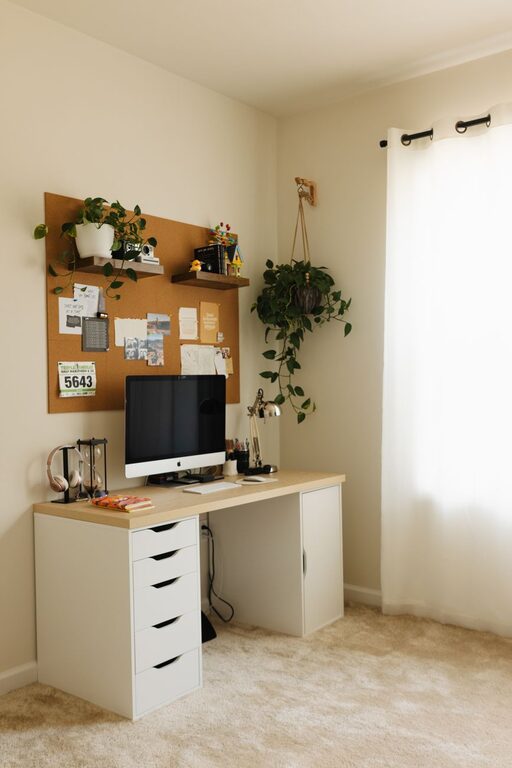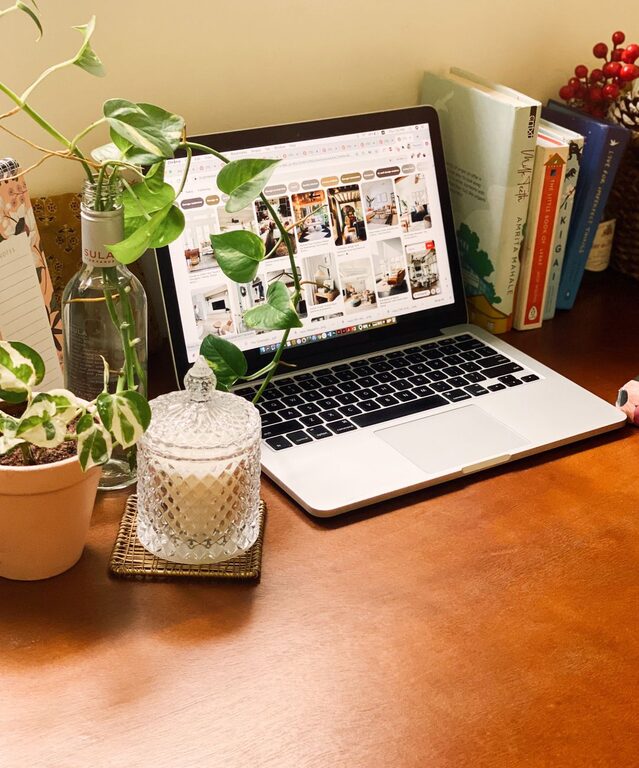
Creating an organized and clutter-free home workspace is essential for maintaining focus and productivity. Whether you work remotely full-time or occasionally need a dedicated spot for tasks, having a well-arranged environment can make a big difference in how efficiently you work. Below are practical tips to help you design and maintain a workspace that supports your best work.
Why an Organized Workspace Matters
A cluttered space can lead to distractions, increased stress, and difficulty finding what you need. On the other hand, an organized workspace helps reduce mental clutter, making it easier to concentrate and accomplish your goals. With the right setup, your workspace can become a place you look forward to using every day.
Choose the Right Location
Consider Natural Light and Noise Levels
Pick a spot in your home that has good natural light if possible. Sunlight can improve your mood and keep you energized throughout the day. Also, think about the noise level—try to find a quiet corner or use noise-canceling headphones if distractions are common.
Assess Available Space
Make sure the space you use fits your work needs. You need enough room for your computer, writing materials, and any other work-related items you use regularly without feeling cramped.
Declutter and Organize Your Desk
Keep Essentials Only
Start by clearing your desk of everything except your essentials. Keeping only necessary items within reach will minimize distractions and free up surface space.
Use Storage Solutions
Invest in desk organizers, trays, or small drawers to store supplies like pens, paper, chargers, and notebooks. Vertical storage solutions like shelves can also help keep your desk clear while giving you quick access to frequently used items.
Manage Cables Neatly
Tidy up cables with clips, ties, or a cable management box. This not only improves the appearance of your workspace but also prevents cords from tangling or getting damaged.
Personalize Without Overcrowding
A personalized workspace can boost motivation, but avoid overcrowding. Choose a few items that make you feel comfortable or inspired—such as a plant, a photo, or a small piece of art—and keep the rest simple.
Develop a Filing System
Digital and Physical Files
Organize your documents into categories that make sense for your workflow, such as “Invoices,” “Projects,” or “Receipts.” For physical papers, use labeled folders or binders. For digital files, create well-structured folders on your computer and back up important files regularly.
Schedule Regular Cleanups
Set aside time weekly or monthly to review and remove unnecessary documents. Regular maintenance helps prevent clutter from building up again.
Optimize Lighting and Ergonomics
Invest in Proper Lighting
In addition to natural light, have adequate task lighting like a desk lamp with adjustable brightness. This helps reduce eye strain and keeps your workspace inviting.
Prioritize Comfort
Choose a comfortable chair that supports good posture. Your monitor should be at eye level, and your keyboard and mouse positioned to avoid strain. Ergonomic accessories can greatly enhance comfort during long work sessions.
Establish Daily Habits to Maintain Order
Clean as You Go
Get in the habit of tidying up your workspace at the end of each day. Put away supplies, file papers, and clear your desk to start fresh the next day.
Use a To-Do List or Planner
Keeping track of tasks in a planner or digital app reduces mental clutter and helps you focus on what needs to be done.
Minimize Distractions
Control Noise and Interruptions
If possible, use noise-cancelling headphones or white noise machines. Inform family members or housemates about your work hours to minimize interruptions.
Limit Non-Work Items
Keep non-work related items out of your workspace to maintain focus. This includes snacks, personal devices not related to work, and unrelated papers or books.
Utilize Multi-Functional Furniture
If space is limited, consider furniture that serves more than one purpose. For example, a desk with built-in shelves or a foldable table can save space and keep your area organized.
Final Thoughts
Creating an organized and clutter-free home workspace does not have to be complicated or expensive. With thoughtful planning, small investments, and consistent habits, you can design a space that supports productivity, comfort, and well-being. Start with a few key changes today and enjoy the difference an orderly workspace can make in your daily routine.
About the Author